Free AI Tools for Content Creators: What to Use for Writing, Images, Video and Voice
A practical guide to the types of AI tools that help creators work faster, with advice on how to choose, how to use them safely and a simple daily workflow.

In this article
Free AI tools can save a creator hours every week, but only if you know which tool solves which problem. Read Google's own advice on using generative AI content before you publish anything made with AI. This guide groups AI tools by the job they do, shows how to choose one, and ends with a simple workflow you can start today. Tools and free plans change often, so check each tool's current limits and terms before you rely on it.
First, decide the job
Before opening any tool, write down what slows you down. Most creators lose time in five places:
- Finding ideas and planning content.
- Writing scripts, captions and descriptions.
- Making images, thumbnails and graphics.
- Editing video and cleaning audio.
- Publishing and repurposing one piece into many.
Pick the one that costs you the most time, and solve that first.
1. AI assistants for ideas and writing
General-purpose AI assistants (chat tools) can brainstorm topics, outline videos, rewrite text in a clearer voice and translate between Bangla and English. Use them as a first draft machine:
- Give a clear role and goal: "You are a YouTube script editor. Make this intro shorter and clearer."
- Provide your audience and tone: beginner learners in Bangladesh, friendly, simple words.
- Ask for options, then choose and edit. Never publish unedited output.
2. Image and thumbnail tools
AI image tools and design tools with AI features can create backgrounds, concepts and variations. For thumbnails and posts:
- Keep text short and large.
- Use one clear subject and strong contrast.
- Check that the final image is not copying a real person or a protected design.
3. Video editing helpers
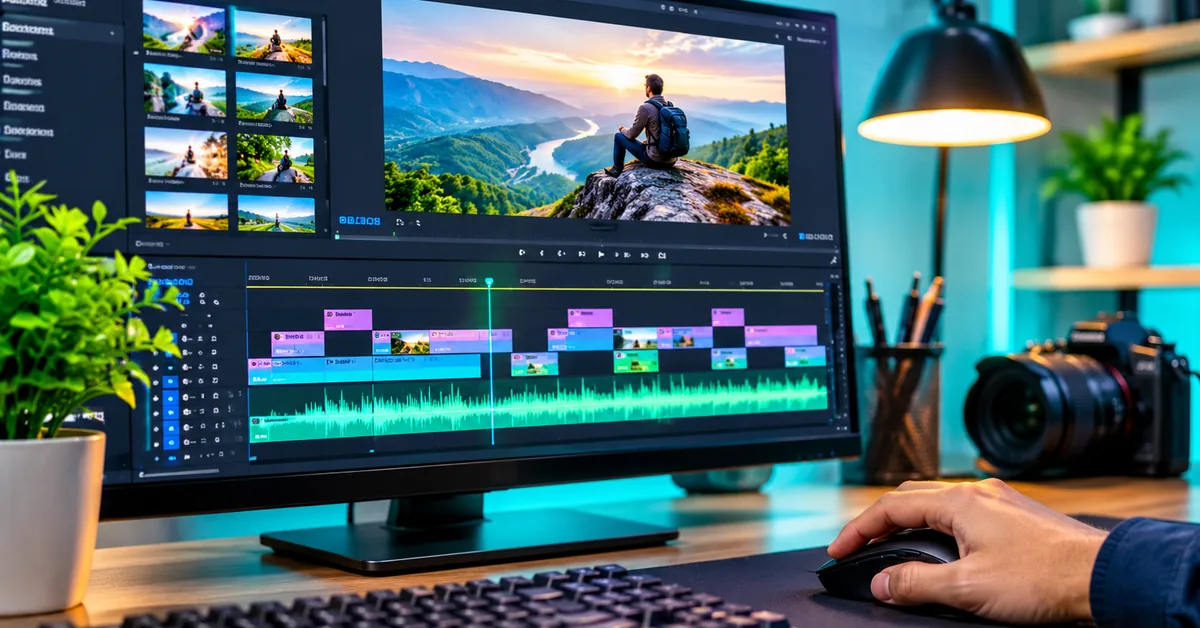
Many video editors now include AI features such as automatic captions, background removal, silence trimming and scene detection. Free editors are enough for beginners. A good starting workflow:
- Record in good light and quiet sound.
- Let the tool generate captions, then fix mistakes by hand.
- Trim pauses, add a simple intro, export in the size each platform needs.
4. Voice and audio tools
Voice tools can clean noise, balance volume or create a narration. If you use a synthetic voice, be honest with your audience where required and check the tool's licence for commercial use.
5. Repurposing and scheduling
Turn one long video into several short clips, a blog post and a few captions. AI can help find good moments and write short summaries. A human should always choose what is published.
How to choose free AI tools
Ask five questions:
- Does it solve my main time-waster?
- Is the free plan enough for my weekly volume?
- Can I use the output commercially?
- Does it handle Bangla if I need it?
- Can I export my work, so I am not locked in?
Use free AI tools safely
- Do not paste private client information or passwords.
- Check facts, names and numbers; AI can sound confident and still be wrong.
- Add your own examples and experience. That is what makes content yours.
- Respect copyright and the rules of each platform.
A simple daily workflow
Morning (30 minutes): ask an assistant for five topic ideas for your audience and pick one. Planning (20 minutes): outline the video and write a rough script with AI, then rewrite it in your voice. Production: record, edit with auto-captions, make a thumbnail. Publishing (15 minutes): AI-assisted title options, description and three short captions for social media.
After one week, compare how much time you saved and keep only the tools that really helped.
Learn the whole workflow
If you want to learn these steps hands-on in Bangla, see the course below, or start with our free AI and content tutorials.
 CourseAdvanced Content Creation with AI৳1,196View course